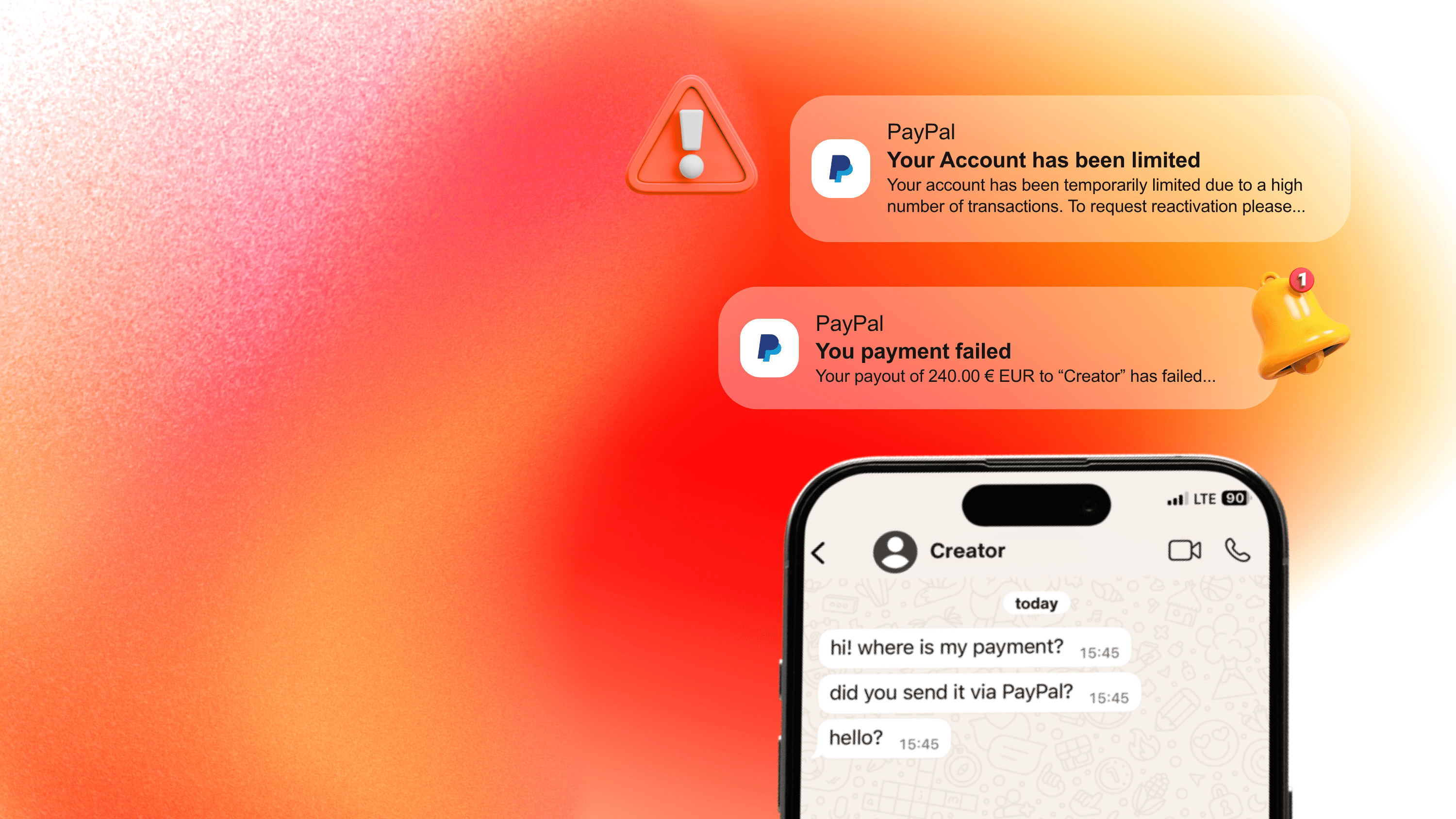
It's the kind of message that lands in your inbox on the wrong afternoon:
"Sorry, but our PayPal Business account has been temporarily limited due to the high number of transactions, so payment may take a few extra days to process. I'll let you know as soon as it's completed."
For a brand running a creator program, this isn't just an administrative delay. It's a creator who hasn't been paid for content they delivered. It's a Slack thread between marketing and finance. It's a relationship that quietly accumulates damage every day the payment doesn't land.
This article walks through what to actually do when your PayPal Business account gets limited — the immediate steps, the typical timelines, and how to communicate with the creator you can't pay yet. It also takes the longer view: why this keeps happening to growing creator programs, and what changes when payouts no longer run through a system that wasn't built for them.
What "Account Limited" Actually Means
PayPal places limitations on Business accounts as a protective measure — sometimes for the account holder, sometimes for buyers, sometimes for PayPal itself. A limitation restricts certain actions on the account (most commonly sending money or withdrawing funds), while typically still allowing you to log in and view your balance.
The limitation is almost always temporary, but it's also almost always disruptive. Resolution timelines depend on the underlying reason, the documentation requested, and how quickly you respond.
The first step is understanding why your account was limited — which determines everything else.
Why PayPal Business Accounts Get Limited
In order of frequency, the most common triggers:
1. A sudden spike in transaction volume
This is the most common trigger for businesses running creator campaigns. If your account has been doing 50 payouts a month and suddenly does 200 in a week, PayPal's automated systems flag the change. The system doesn't know whether you're launching a campaign or whether your account has been compromised — so it freezes operations until it can confirm which.
2. High dispute or chargeback rates
For accounts where dispute rates exceed roughly 1.5%, PayPal will typically initiate a review. This is less common for creator-payment use cases (you're sending money, not receiving disputed payments), but does apply to mixed business models.
3. Selling categories that trigger compliance review
Certain product or service categories — CBD, gambling, certain types of digital content, crypto-adjacent services — are flagged by PayPal's Acceptable Use Policy. If your transaction descriptions reference these categories, even tangentially, an automated review can be triggered.
4. Identity verification gaps
Missing or outdated documentation — expired ID, business registration mismatch, address inconsistency — can trigger a limitation, especially for accounts that have grown significantly since their last verification.
5. Unusual outbound payment patterns
For businesses using PayPal Mass Payments or sending high-frequency payouts to many recipients, the pattern itself can be the trigger. Multiple payouts to new recipients, especially in different countries or with significant amount variations, look (to PayPal's risk systems) potentially similar to fraudulent activity — even when they're legitimate creator payments.
6. Friends and Family transactions for business purposes
Using PayPal's "Friends and Family" option to avoid business transaction fees — something brands occasionally do to pay creators — violates PayPal's terms of service. When detected, this can trigger immediate limitation.
How to Resolve a PayPal Limitation (The Practical Steps)
If your account has just been limited, here's the workflow that typically gets resolution fastest.
Step 1: Read the email PayPal sent (carefully)
PayPal sends an email when an account is limited. The email contains the specific reason and what documentation or action they need from you. Read it before doing anything else. The single biggest cause of slow resolutions is people submitting the wrong information because they didn't read the original notification carefully.
If you didn't receive an email, check your spam folder. If it isn't there either, log in to your account anyway — the Resolution Center will display the same information.
Step 2: Go to the Resolution Center
Log in to PayPal and navigate to the Resolution Center (usually accessible from the main dashboard or via your account notifications). You'll see a message outlining the limitation and the specific action required to lift it.
Step 3: Provide the requested documentation
Depending on the reason for the limitation, PayPal may ask for:
- Updated business registration documents
- Proof of identity for the account holder
- Recent bank statements
- Transaction-specific documentation (invoices, contracts, proof of delivery)
- Explanation of unusual activity patterns
Submit what's requested, in the format requested. Avoid sending more than what's asked for — it can extend the review rather than speed it up.
Step 4: Respond promptly to follow-ups
PayPal often comes back with additional questions. Respond quickly and clearly. Keep the tone professional. The resolution typically takes 3 business days from a complete submission, though complex cases can take longer.
Step 5: In the meantime, communicate with the creator
This is the step most brands handle badly. The natural instinct is to wait until the limitation is resolved before contacting the creator — which means the creator spends days wondering what's happening.
The better move is to communicate immediately and specifically:
- Explain the situation directly ("our payment processor has a temporary hold; we're working on resolving it")
- Give a specific expected resolution timeline ("3-5 business days")
- Confirm the payment amount and that it will be issued in full
- If possible, offer an alternative payment method as a backup
Creators understand operational problems happen. What damages the relationship isn't the delay — it's silence during the delay.
Why This Keeps Happening to Growing Creator Programs
Here's the part most brands don't realise until they've been through this cycle two or three times.
PayPal's risk model was designed in an era when typical business accounts received payments from many customers and made occasional outbound transfers to a small number of suppliers. The signature pattern of a "normal" business account is mostly inbound activity, occasional outbound.
A creator program reverses this pattern entirely. The business is sending money out to many recipients, frequently, in varying amounts, often across borders, often to new payees. To PayPal's automated systems, that pattern doesn't look like a healthy business account. It looks like the early signature of fraudulent activity.
Which means that the more successful your creator program becomes, the more likely your PayPal account is to be limited. Volume growth, recipient growth, geographic spread — all the metrics that signal a thriving program are also the metrics that trigger PayPal's risk systems.
This isn't a bug in PayPal. It's the result of using a tool for something it wasn't designed for.
When to Keep Using PayPal vs. When to Move
For a brand or agency running a creator program, PayPal Business can be a perfectly reasonable tool when:
- You're paying fewer than ~20 creators a month
- Your payments are relatively consistent in amount and frequency
- You operate mostly in one currency
- You're early enough in your program that the operational cost of switching outweighs the cost of occasional limitations
The calculus changes when:
- You're paying 30+ creators a month, and the pattern is irregular
- You operate in multiple currencies and are losing meaningful margin to PayPal's FX spread (typically 3-4% per cross-border payment)
- You've experienced a limitation in the last 6-12 months — once is operationally painful; twice signals a structural fit problem
- You're paying creators internationally and PayPal's receiving fees are silently reducing what creators actually take home
For brands in the second category, the most reliable solution is moving creator payouts to a payment layer specifically built for this use case — one where high-frequency, cross-border, multi-recipient outbound payments are the normal pattern, not the flagged exception.
What a Dedicated Creator Payout Layer Looks Like
Modern creator-payment infrastructure handles the operational shape of these payments natively. The differences worth knowing:
- No transaction volume triggers. A platform built for creator payouts expects high-frequency, multi-recipient outbound activity. It's not the exception — it's the use case.
- Multi-currency by default. Pay creators in their local currency (60+ supported), or in stablecoin for instant cross-border, from a single funding balance. No FX leakage on top of the transfer fee.
- Recipient picks their payment method. Creators choose bank transfer, PayPal, Venmo, or stablecoin based on what works for them — which means even if a creator prefers PayPal, you can offer it as one option among several without your business depending on a PayPal account being unlimited.
- Self-billing invoices generated automatically. Each payout produces a compliant invoice without chasing the creator.
- Live in 72 hours. Setup is fast enough that switching mid-crisis is realistic if needed.
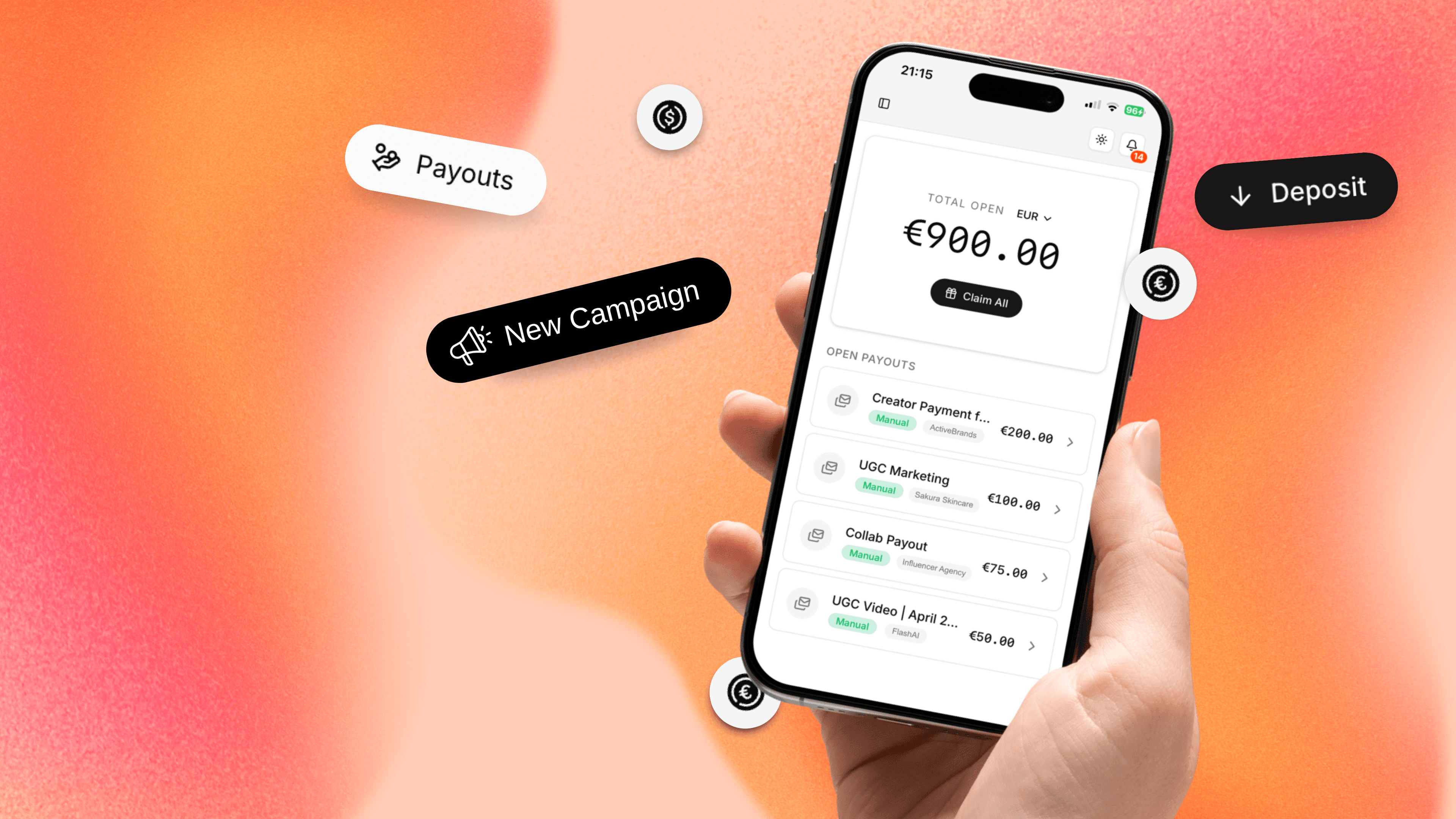
At Talentir, we built specifically for the operational shape of high-volume creator payouts — the workflow that's structurally fragile on PayPal Business is the workflow Talentir was designed to run. Many of the brands and agencies operating on Talentir today moved over after their second or third PayPal limitation, when the cost of recurring disruption outweighed the cost of switching.

The Short Version
If your PayPal Business account is limited right now, the priority order is: read the email, go to the Resolution Center, provide exactly what's requested, communicate proactively with the creator who's waiting, and expect 3-5 business days to resolution.
If this is the second or third time, the priority order is different. PayPal limitations on a growing creator program aren't an accident — they're a structural signal that the tool you're using wasn't designed for what you're doing. The fix is operational, not just procedural, and it's called Talentir.
Sign up now or book a call — your first payout, on infrastructure built for the volume you're sending, can go out within 72 hours.