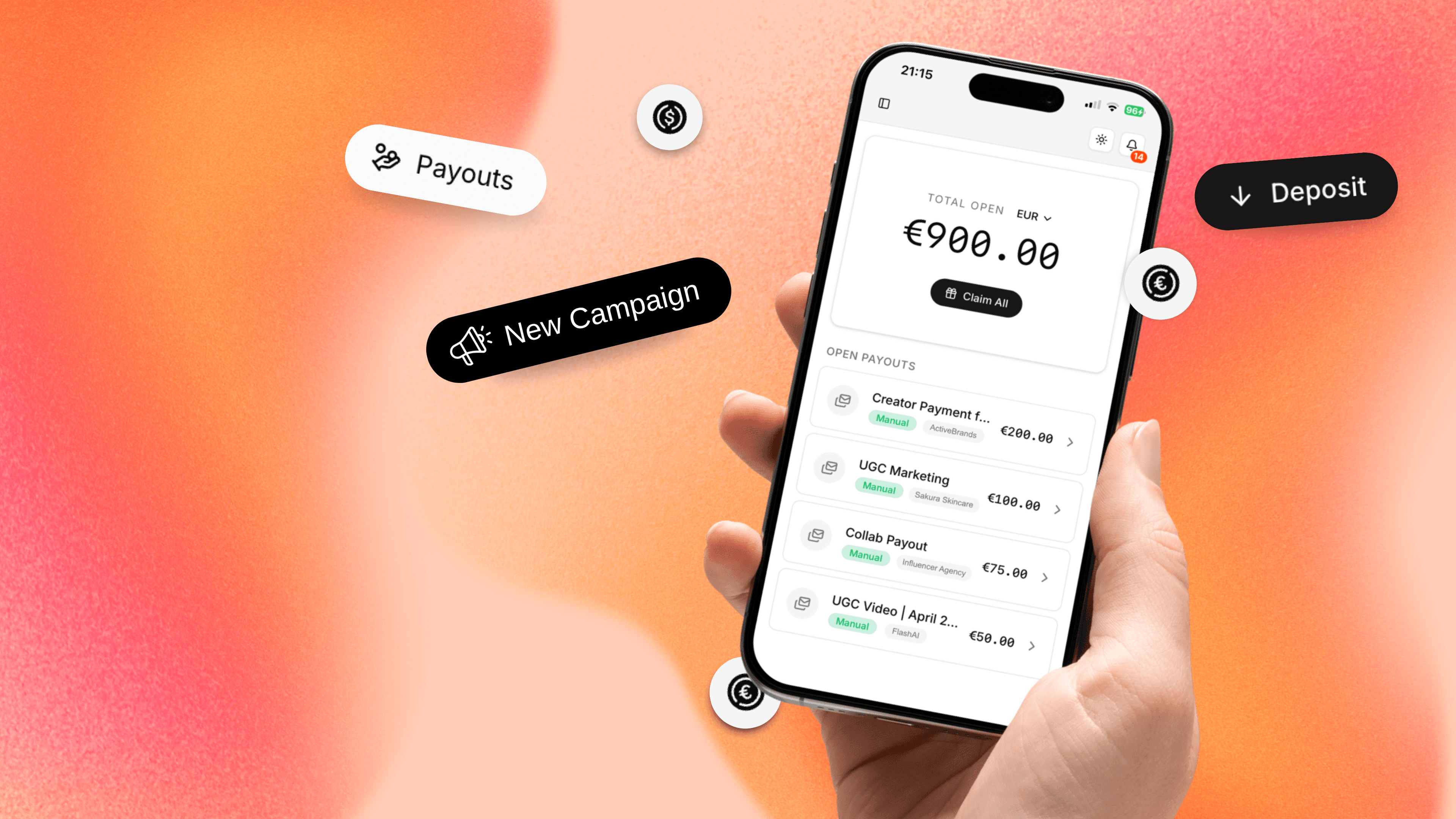
Introducing Talentir Wallet, the new way to handle all your stablecoin operations on Talentir. It's seamlessly integrated into the platform, so you can log in with just your Google account or email. No more wallet popups or extra confirmation steps. And it's fully secure: your wallet is protected by your fingerprint or Face ID, making it self custodial. Only you can access your funds, not even Talentir.
What Changed?
Your Wallet
Your Talentir Wallet is now a passkey wallet, secured by the same technology you use to unlock your phone. Nobody can access your funds besides you.
If you ever lose your device, we offer an optional backup recovery feature with a built in two week security delay, so you're never locked out permanently.
Your Login
We've upgraded how you log in. Instead of email based magic links, you now sign in with a one time code sent to your email, or with Google. Once you've set up your passkey wallet, you can also log in directly with your fingerprint or Face ID. No email needed.
How to Migrate Your Wallet
If you have an existing wallet, you'll see a "Migrate Wallet" button in your sidebar and wallet section. Click it to start the migration. It takes about a minute.

Step 1: Create Your New Wallet
On the migration page, tap "Create Passkey Wallet" and authenticate with your fingerprint or Face ID. Your new wallet is created instantly.
We recommend keeping the backup recovery option enabled (it's on by default). This ensures you can recover your wallet if you ever lose access to your device.

Step 2: Move Your Funds & Channel Ownership
You'll see your old wallet and your new Talentir Wallet side by side, with all your balances listed, including your YouTube channel ownership shares. Tap "Migrate Now" to open the migration tool and transfer everything over: your funds (ETH, USDC, EURC) and your channel ownerships all move to your new wallet in one go.
Once everything arrives, you'll see a confirmation: "Funds are safely in your new wallet."


Step 3: Finalize
Tap "Finalize Migration" and you're all set. Your new Talentir Wallet is now your default wallet for all future payouts.
Access to your Legacy Wallet
Your old wallet isn't going anywhere. Even after migrating, you can access it at any time by visiting wallet-migration.talentir.com. From there, you can view your previous balances and transfer any remaining funds to your new Talentir Wallet. This page will stay available for as long as you need it.
Your Wallet, Day to Day
Once you've migrated, your daily experience stays the same. Your Talentir Wallet shows your balance, and you can send, deposit, or swap currencies directly from your dashboard, just like before.

Need Help?
We'll be reaching out to everyone who needs to migrate over the coming days. If you'd rather not wait, you can start anytime or reach out to us directly:
- Chat: Use the chat widget on the bottom right of your dashboard
- Email: support@talentir.com
Happy creating!