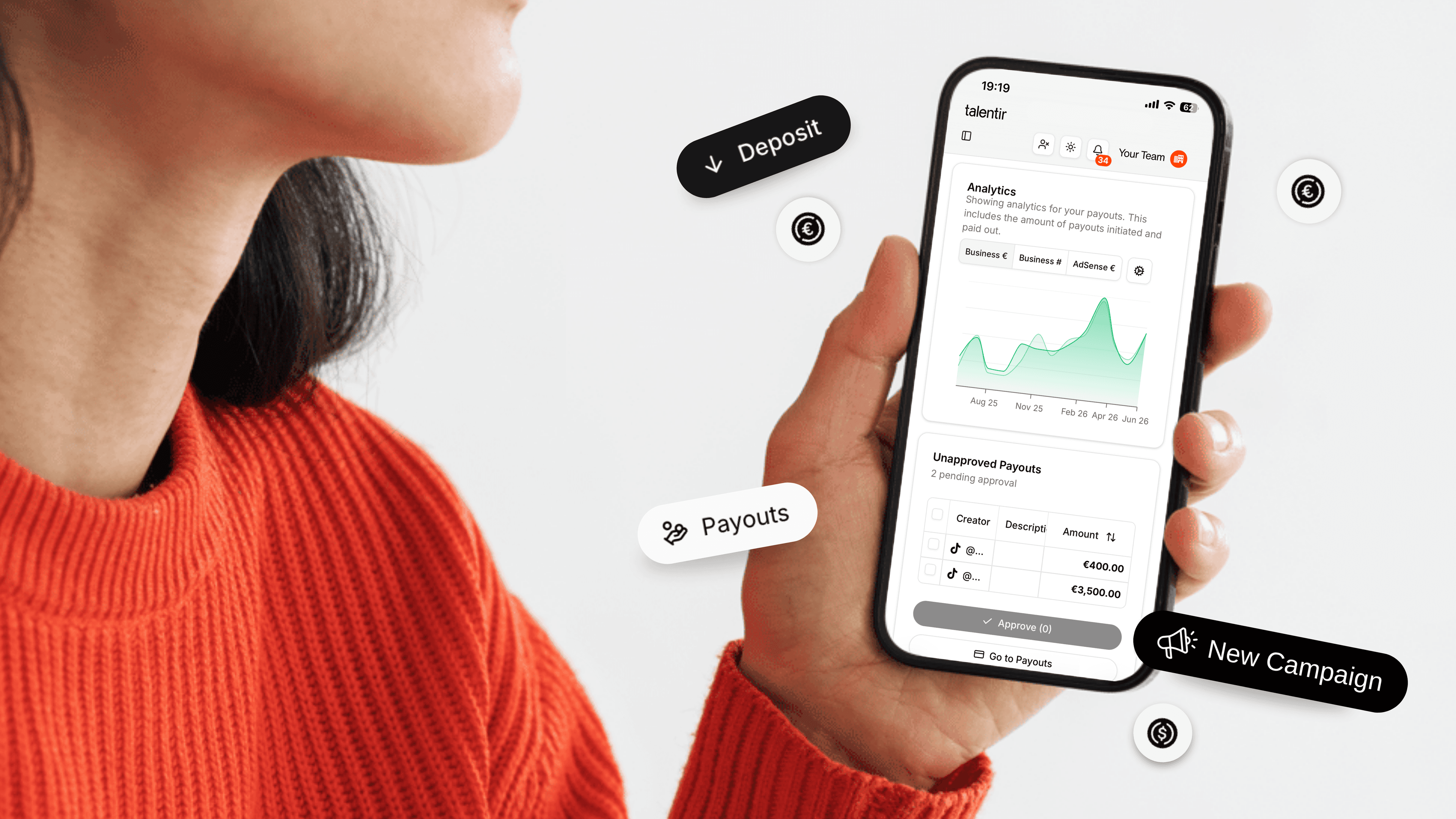
Setting up a Talentir business account is designed to be one of the simplest onboarding experiences in B2B SaaS. From the moment you sign up to the moment you send your first creator payout, the process is simple, intuitive, just like our payout flow.
This article walks through the entire process: what to expect at each step, what you'll need to prepare, and what's happening on Talentir's side while you wait. By the end, you'll have a verified business account, a funded wallet, and a payout ready to send.
Before You Start
A few things to have ready will make the process smoother. You don't need them all at signup, just before Phase 2.
- Company registration documents. Your commercial register extract or equivalent (e.g., HRB in Germany, Companies House extract in the UK).
- Authorised representative ID. The passport or national ID of the person who'll formally represent the business on Talentir.
- Information about controlling persons. Names and basic details of anyone with 25%+ ownership or significant control of the business.
- A funding source. A bank account registered to your business, in EUR. Multi-currency support is on the payout side; funding itself is currently EUR-only.
That's it. No engineering involvement required, no IT setup, no integrations to configure before signup.
Phase 1: Create Your Team and Wallet (~5 minutes)
Head to talentir.com/start/business to begin. The signup flow takes about five minutes start to finish.
Step 1. Sign up using Google or with your email address. If you use email, you'll receive a verification code to confirm it.
Step 2. Name your team. This is the working name your team will see inside Talentir — it doesn't have to match your legal entity name (that comes during KYB).
Step 3. Create your wallet. Talentir uses a passkey-based wallet, which means your funds are secured by biometric authentication on the device you set it up on — Touch ID, Face ID, Windows Hello, or equivalent. Setup takes about a second.

A note on backup recovery: We strongly recommend enabling it. Without backup recovery, losing access to your passkey means permanently losing access to your funds. With it enabled, you can reset your wallet, with a built-in two-week delay, which gives you time to cancel any unauthorised recovery attempt. It's the kind of security feature that's invisible until you need it, and irreplaceable when you do.
Once your wallet is created, you'll have access to your dashboard. You can explore the platform freely from this point — view your wallet, see the payout interface, browse settings — without having to complete verification first.
Phase 2: Complete Your KYB Verification (10-15 minutes active, 1-2 days review)
KYB (Know Your Business) is a regulatory requirement for any platform handling business funds. Talentir's process is designed to be as fast as possible while remaining compliant with EU financial regulations.
The information you'll provide:
- Company details. Country of incorporation, legal name, registration number, and a few related fields. Most of these can be pre-filled by uploading your commercial register extract — the system extracts the data and populates the form, which is significantly faster than entering everything manually.
- Authorised representative details. A small amount of personal information about the person formally representing the business on Talentir, followed by an identity verification step using a passport or national ID.
- Controlling persons. Anyone with 25%+ ownership or significant control of the business.
- Business profile. A short description of what your business does and how you'll use Talentir.
Most businesses complete this phase in 10-15 minutes if they have their documents ready. Pre-filling via document upload is the single biggest time-saver, so we strongly recommend using it where available.
The review process:
Once submitted, our compliance team reviews your application. The standard turnaround is 1-2 business days. You'll be notified by email as soon as your business is verified. In the meantime, you can continue exploring the platform.
Phase 3: Fund Your Wallet and Send Your First Payout (~5 minutes)
Once you're verified, you're ready to send your first payout. There are two quick setup steps before the first transfer can go out.
Step 1: Configure your daily allowance
In the Wallet section, you'll see a “Payouts — Action required” prompt asking you to configure a daily allowance.

The daily allowance is a security feature: it caps how much can be sent from your wallet in any 24-hour period. Once set, it can only be modified by the business owner via passkey authentication — which means even if someone gains access to your dashboard, they can't increase the daily payout ceiling without biometric verification on the owner's device.
For most businesses, the right daily allowance is roughly the maximum amount you'd realistically pay out in a single day, plus a small buffer. It's easy to adjust later.
Step 2: Deposit funds
Click Deposit in your wallet. You'll see a modal with the IBAN, BIC/SWIFT, and beneficiary details for your specific account.

A few practical notes on the deposit:
- EUR only. Transfers in other currencies cannot be processed and may be returned. Multi-currency support is on the payout side — funding is currently EUR-only.
- Must come from your business's registered account. The bank account sending the funds must match the entity that completed KYB. This is a compliance requirement to prevent third-party deposits.
- SEPA transfers typically settle within 24 hours, often faster. SWIFT transfers from outside SEPA can take 1-3 business days.
Once your deposit lands, your wallet balance updates and you're ready to send.
Step 3: Create your first payout
Go to the Payouts section and click Create Payout. You'll fill in three things:
- A payout description (for your records and the creator's invoice)
- The creator's email
- The amount
Everything else — the creator's preferred payment method, currency, banking details, tax information — is filled in by the creator on their side. This is what makes the workflow both faster and more secure: you never touch the creator's sensitive financial data.
Once you click Approve, the creator is notified instantly. They pick their method (bank transfer, PayPal, Venmo, or stablecoin) and currency (60+ supported), and the payment settles — in seconds for most methods, up to 2 business days for bank transfer.

What happens after
Once the payout is completed, a compliant self-billing invoice is generated automatically — with your company details, the creator's details, VAT handling, and a sequential invoice number. You'll find it in your Transactions section, ready to export to DATEV, Odoo, or CSV whenever your accountant needs it.
No invoice chasing. No manual entry. The bookkeeping side of the payout is done before you finish your coffee.

Who Can Benefit from Talentir?
Talentir is built specifically for businesses that pay creators, freelancers, contributors, or partners at scale across markets and methods. In practice, that includes:
- Creator agencies and MCNs. Companies managing hundreds of creators on behalf of brand clients — distributing YouTube AdSense splits, brand-deal payouts, or campaign-based payments. ENKIME is a good operational example.
- UGC platforms and marketplaces. Tech-led platforms connecting brands and creators at scale, where the payout layer needs to handle thousands of small transactions across jurisdictions without becoming an engineering project. Viral.App is a customer in this segment.
- In-house brand marketing teams. DTC and B2B brands running their own influencer programs, where the goal is to pay creators fast enough to maintain reputation and loyalty across markets. KMR Brands operates this model.
- Affiliate networks and SaaS partner programs. Companies paying partners for the customers they bring in, where minimum payout thresholds have historically stranded most affiliates. Talentir's per-transaction economics make micro-payouts viable.
- Music labels, distributors, and publishers. Operations paying artists for royalties across multiple revenue types, where the difference between paying in days and paying in quarters is the difference between artist loyalty and audit risk. dig dis! is a distributor running on Talentir today.
If any of those describe your business, Talentir is built for the operational shape of what you do. The 72 hours from signup to first payout aren't a stretch goal — they're the standard rollout.
And if you need help our team is available throughout your setup. You can reach us via:
- Email: support@talentir.com
- Live chat via the chatbot on every page of talentir.com
Sign up now and start sending payouts in just 30 seconds.